
Snake Side Game
BangoGolf is the easiest way to play Snake and Stroke Play on iPhone, Android, and Web. You golf. We do the math.
What is the Snake Side Game?
Snake is a fun golf side bet played during a regular round of Stroke Play. The goal is to avoid being the last player holding the snake.
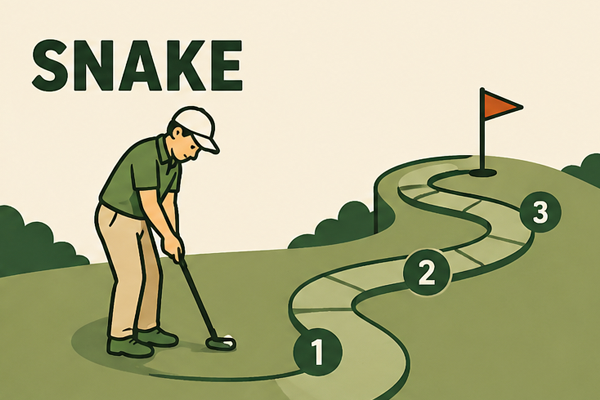
How to play Snake
It's a simple game with high stakes, adding extra pressure to every putt — especially late in the round.
Start a regular round of Stroke Play with your group.
The first player to three-putt on a green gets the "snake".
If another player three-putts on a later hole, the snake passes to them.
Whoever is holding the snake at the end of the 18th hole loses the bet.
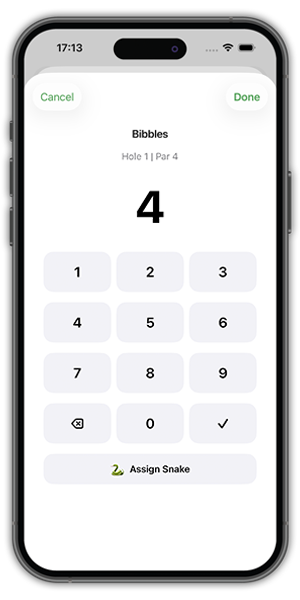
How to score Snake in BangoGolf
To play Snake in BangoGolf, the game creator enables the "Snake Game" switch when creating a new Stroke Play game.
During the round, the scorekeeper taps a player’s score box, enters their score, and then taps the "Assign Snake" button if that player three-putted.
A snake icon appears next to that player’s name on everyone's device, so the group knows who currently has the snake.
Why Snake gets annoying to track manually
You're already tracking scores. Adding a side bet makes things complicated and slows down the round.
- It's easy to forget who currently has the snake.
- Players are already tracking Stroke Play scores.
- Paper scorecards get crowded and messy.
- Someone usually has to remember side bet rules.
- Scoring and side bets can slow down the round.
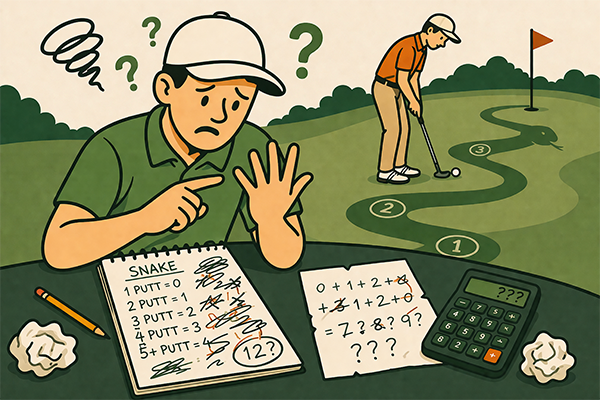
The easiest way to play Stroke Play and Snake together
BangoGolf tracks your main score and the Snake side bet in the same simple flow. No extra math, no messy notes.
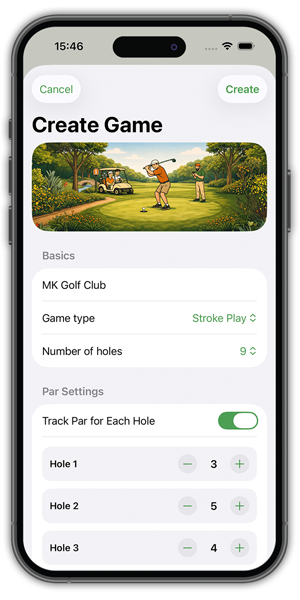
Set up a game in just a few taps on iPhone & Android
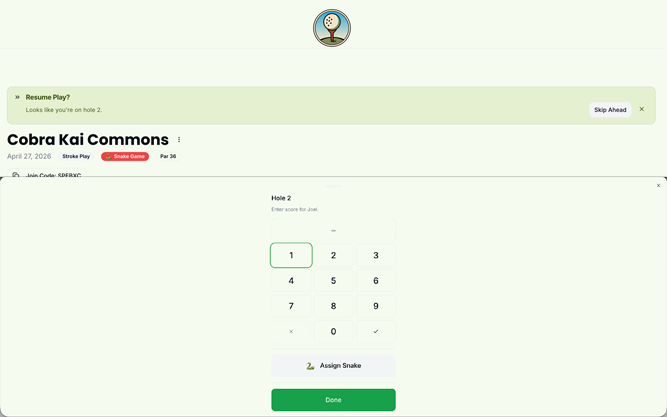
Use the web app to score on any device
How it works
Start Stroke Play
Create a new Stroke Play game.
Enable Snake
Flick the "Enable Snake Game" switch.
Enter Score
Enter a player's score for the hole.
Assign Snake
If they three-putted, tap "Assign Snake".
Keep Playing
BangoGolf tracks it all for you.
Try Snake without the scoring hassle
Create a Free Account and Start on WebPlay one game free. No setup. No confusion.
Get the Mobile App for $0.99


Buy once. Use everywhere.